Embed charts on your site
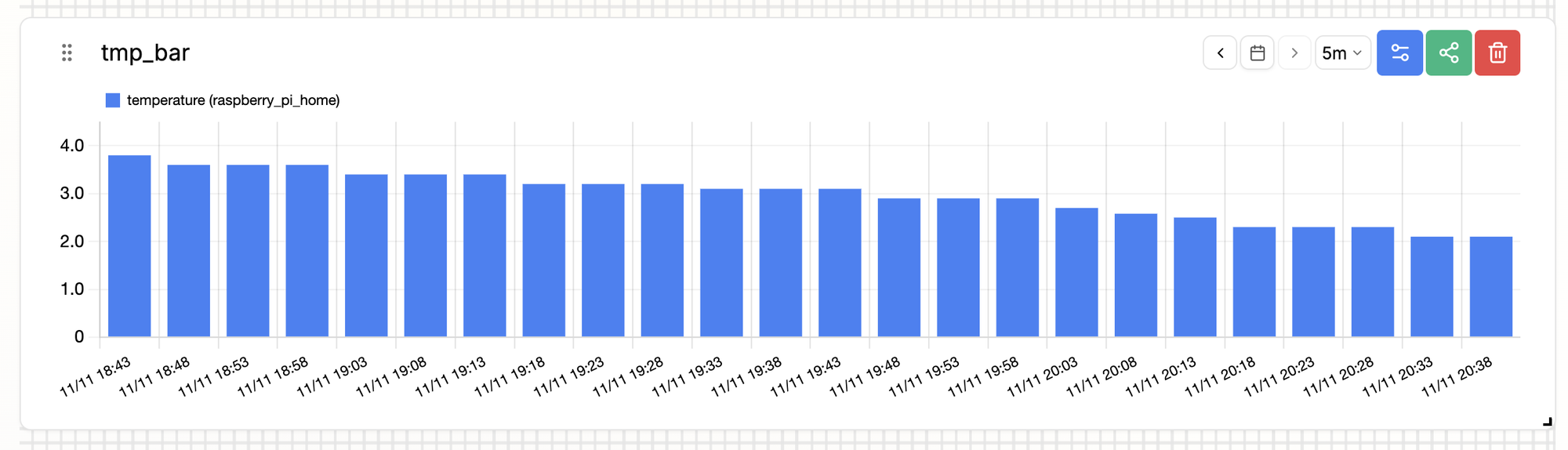
You can embed a line or bar chart from MiniViz on any website that allows iframes.
- Open the chart from the Visualize menu.
- Select the share icon on the chart card.
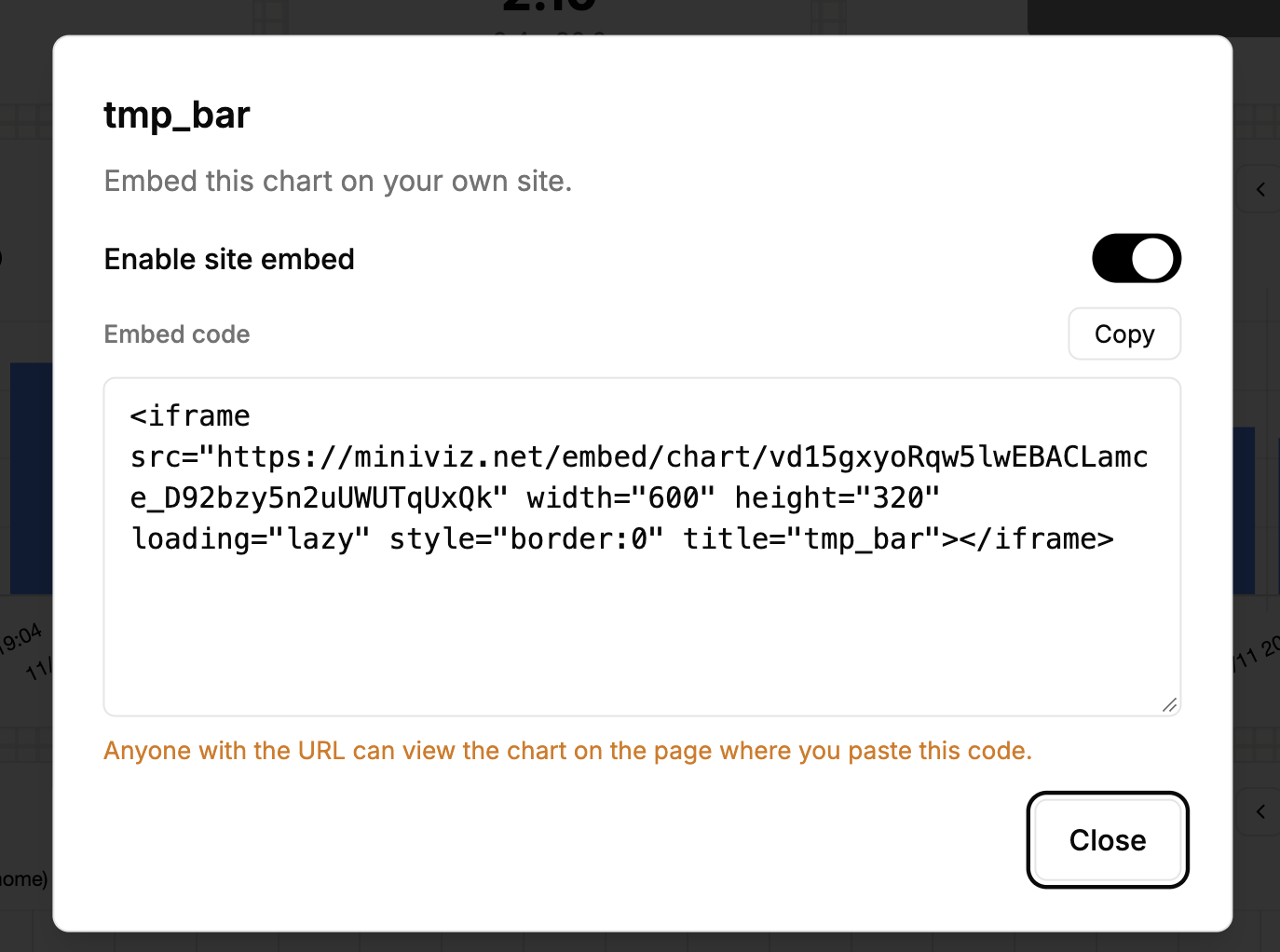
- Turn on Enable site embed.
- Select Copy to copy the embed code.
- Paste the code into your website's HTML.
Notes
- Only line and bar charts can be embedded.
- Anyone with the URL can view the chart. Turn off Enable site embed to stop sharing it.
- Turning embedding off and on again issues a new URL. The old URL stops working.
- The embedded chart does not update in real time. Reload the page to get the latest data. Use the
‹and›arrows to move the 24-bucket window. - If the page that embeds the chart sets a Content Security Policy, allow
https://miniviz.netinframe-src.